Three menu designs
Choose Luxe or Nova for a menu with photos, or QRM for a clean, text-only menu. Change the design from your panel.
Luxe · QRM · NovaBuild your QR menu, update prices and manage orders, kitchen and cashier from one place. On your phone or computer.
Start free. No app or credit card required.
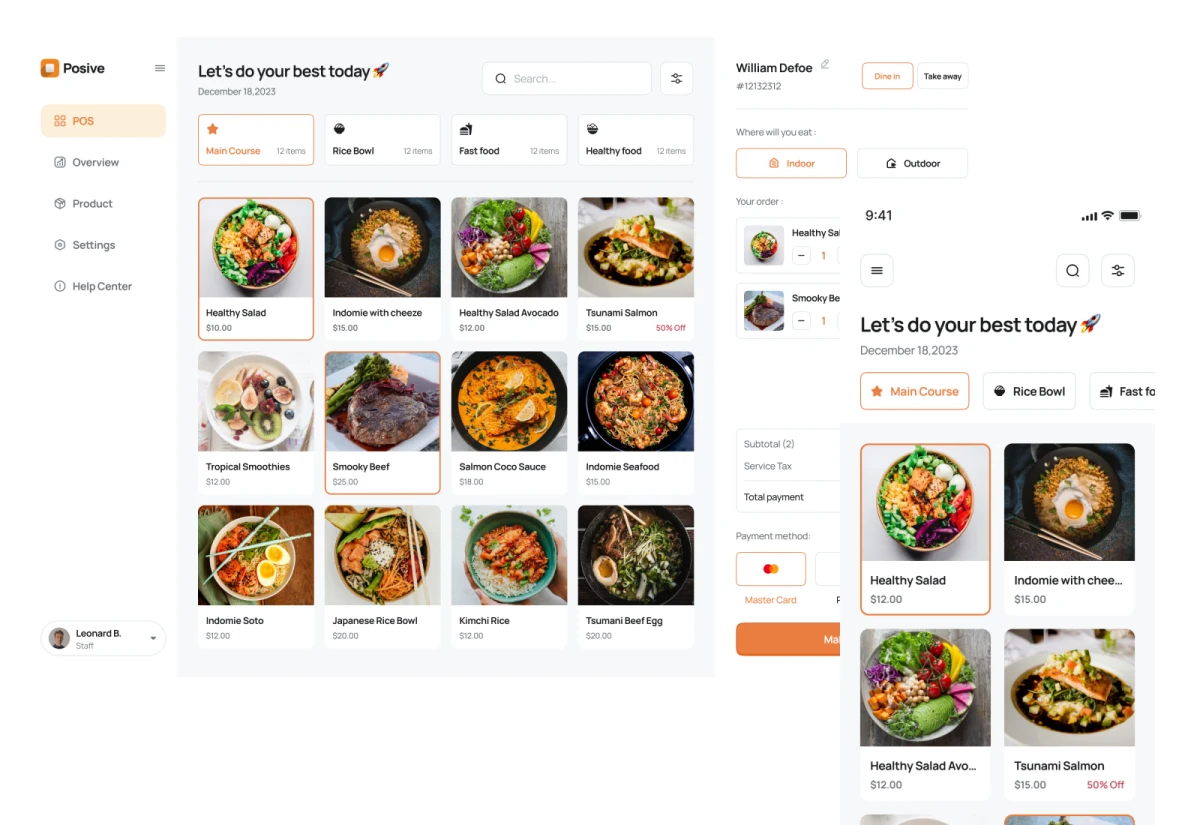
Choose Luxe or Nova for a menu with photos, or QRM for a clean, text-only menu. Change the design from your panel.
Luxe · QRM · NovaGuests choose their branch. Share your menu, with separate prices, availability and contact details for each location.
Branch management is enabled on request.Add your logo, cover, stories, address and social links to your restaurant page. Available in Luxe and Nova.
Just 3 steps are enough to digitalize your restaurant.
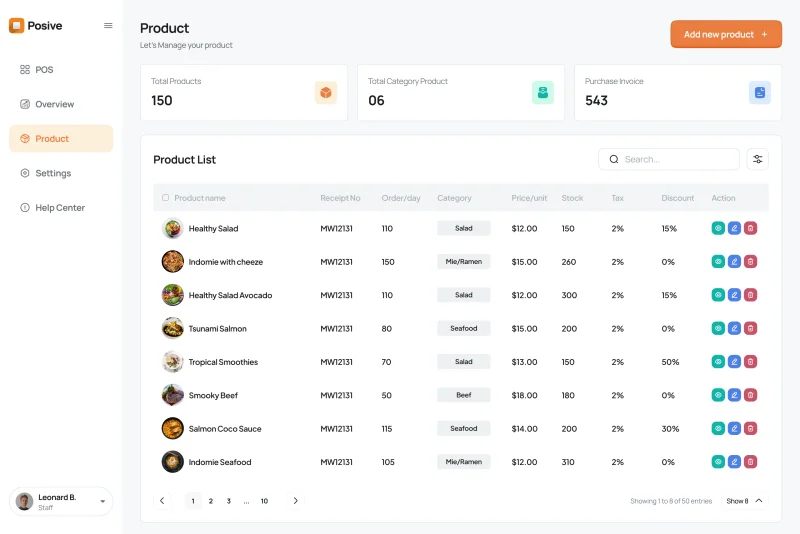
Add items, prices, images, and categories from the panel.
Download the ready QR code, print it, and place it on tables.
The customer views from their phone, sends the order, and you track the process from the panel.
From the first scan to the final bill, keep the team on the same page.
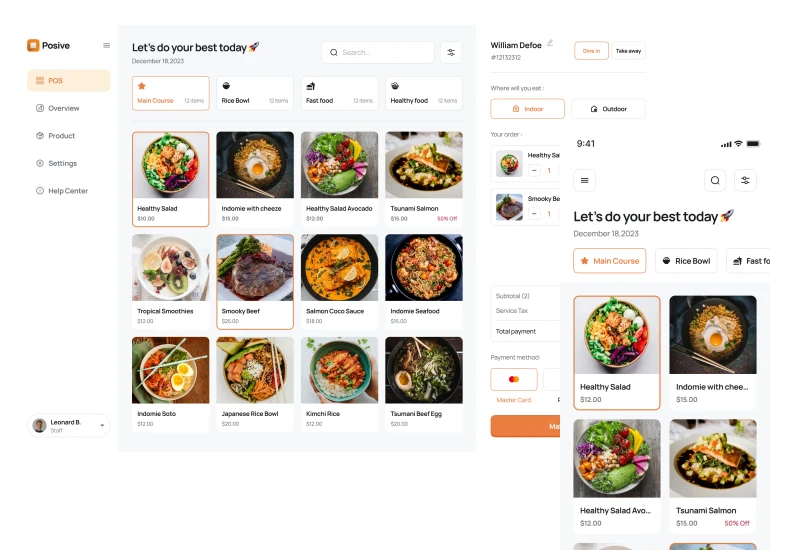
Show your menu with or without photos. When ordering is enabled, guests can add items and place an order from their phone.
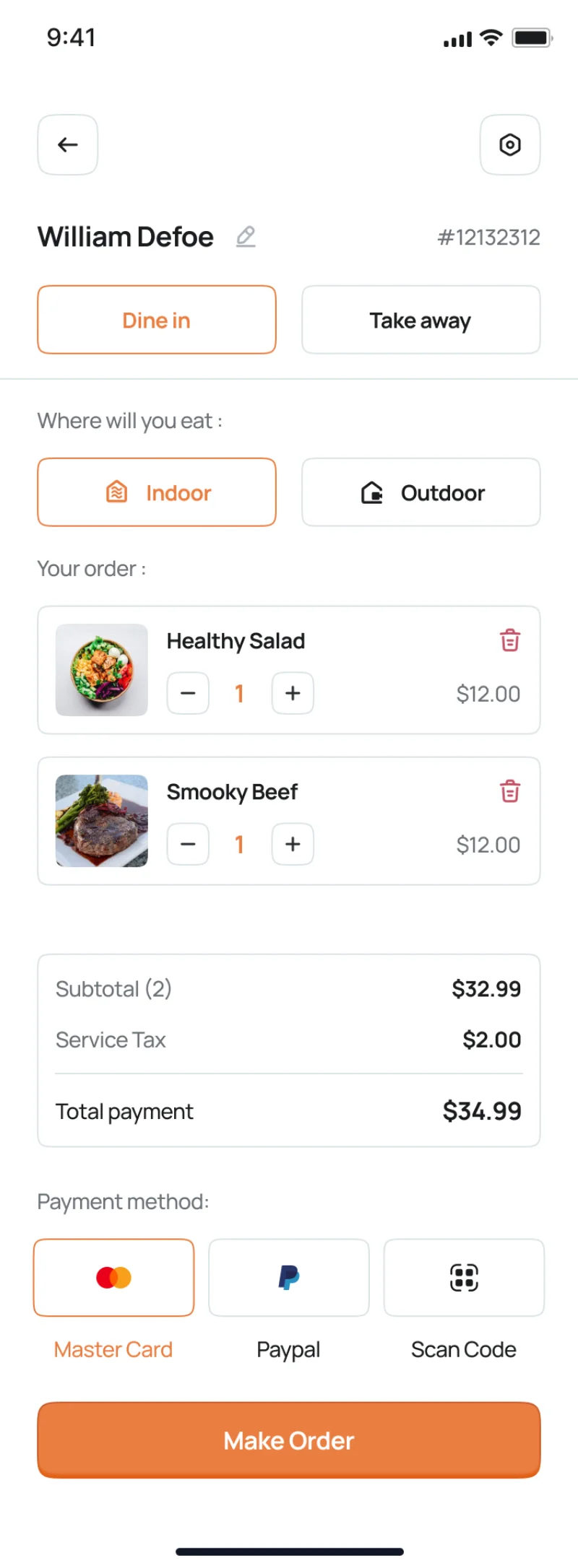
Manage tables, bill calculation, receipt printing, and multiple payment methods on one screen.
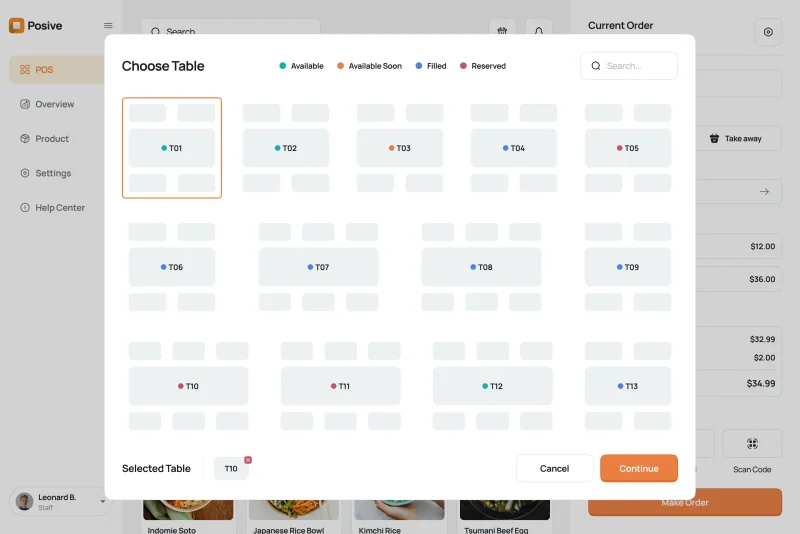
Easily view available, occupied, and reserved tables in real-time with color-coded indicators.
Track total sales, daily revenue, top-selling dishes, and customer traffic from anywhere.
Kitchen staff receives orders instantly with item notes, preparation time, and sequential ticket management.
Five languages for the website and panel. Add menu translations and let guests choose a supported display currency.
Waiter, kitchen, customer and cashier work in the same system. Data is updated in the panel and the team sees the same workflow.
Accept the order from the table, check the items and pass it to the kitchen process with one touch.
New orders, preparation status and item details are visible in the same place on the KDS screen.
Scans the QR code without downloading an app, views the items and comfortably completes the ordering process.
Order, table and payment information are collected in the same panel so the team works without confusion.

Open your phone camera, scan the QR code and see how the menu works in real-time.
Start for free, switch to an unlimited plan when needed.
Suitable for testing
For unlimited use
For 6 months unlimited use
Best value for growing restaurants
All plans include cloud hosting, regular system updates, and technical support. Prices shown in USD are estimates. Payments are charged in AZN.
Feedback from restaurant managers and business owners.
“What I like most is its fast operation. Orders from tables appear on the POS screen in seconds.”
“Technical support is very prompt. Whenever we need assistance with menu changes, they help right away.”
“I can update prices, food photos, and categories in real time from my phone wherever I am.”
“The POS and kitchen display system eliminated order confusion. The team works in complete harmony.”
Some of the businesses using QR Menu.
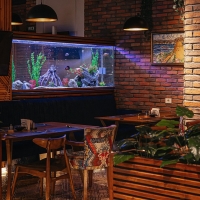
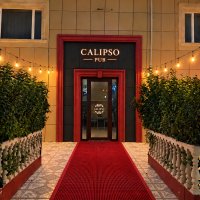



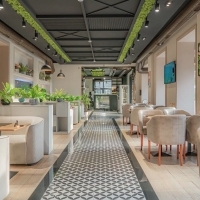

Short and practical materials about QR menu, ordering and management processes.
Why is qrmenyu.az the Best Choice? In the era of digital transformation, moving away from traditional paper menus is no...
ContinueIn the modern restaurant business, customer satisfaction begins with speed and convenience. If you are still using simpl...
ContinueIn the era of digital transformation, abandoning traditional paper menus is no longer just a trend for restaurants, cafe...
ContinueShort answers to essential questions to get started with QR Menu.
No. The customer simply scans the QR code with their phone camera and accesses the menu in the browser.
Yes. You can update prices, images, items, and categories from the panel at any time.
No. Even if the menu changes, the same QR code will continue to work.
Yes. You can test the system with the free plan.
Yes. When branch management is enabled, guests choose a branch after scanning. You can set prices, availability and contact details for each branch.
Yes. Choose Luxe, Nova or the text-only QRM design in your panel. Your menu link stays the same.
The POS system helps manage orders, tables, kitchen processes, and payments from a single panel.
Start with the free plan. Add your first items and open your menu on your phone.